Widget support was one of the earliest Codename One requests. We dismissed it for years because a widget must render while the application UI is not running. A normal Codename One Component needs the application renderer, event dispatch thread, and live object graph. A home-screen widget gets none of those.
The missing piece had been under our nose for a decade. Steve added background processes so an app could refresh data without showing its UI. That solves the update side. The rendering side becomes possible once the widget is data rather than a live component.
PR #5365 turns that observation into com.codename1.surfaces, one API for home-screen widgets, Live Activities, Dynamic Island, Android ongoing notifications, and desktop floating widgets.
The dead-process rule
An external surface is a piece of application state that the operating system can render outside the app. The app publishes a serializable layout and a timeline of state maps. The platform persists that data, then renders it with its own surface technology.
You cannot attach a Java listener to a widget. There may be no Java process to invoke. You assign a string action ID instead. A tap launches the app and delivers that action after startup.
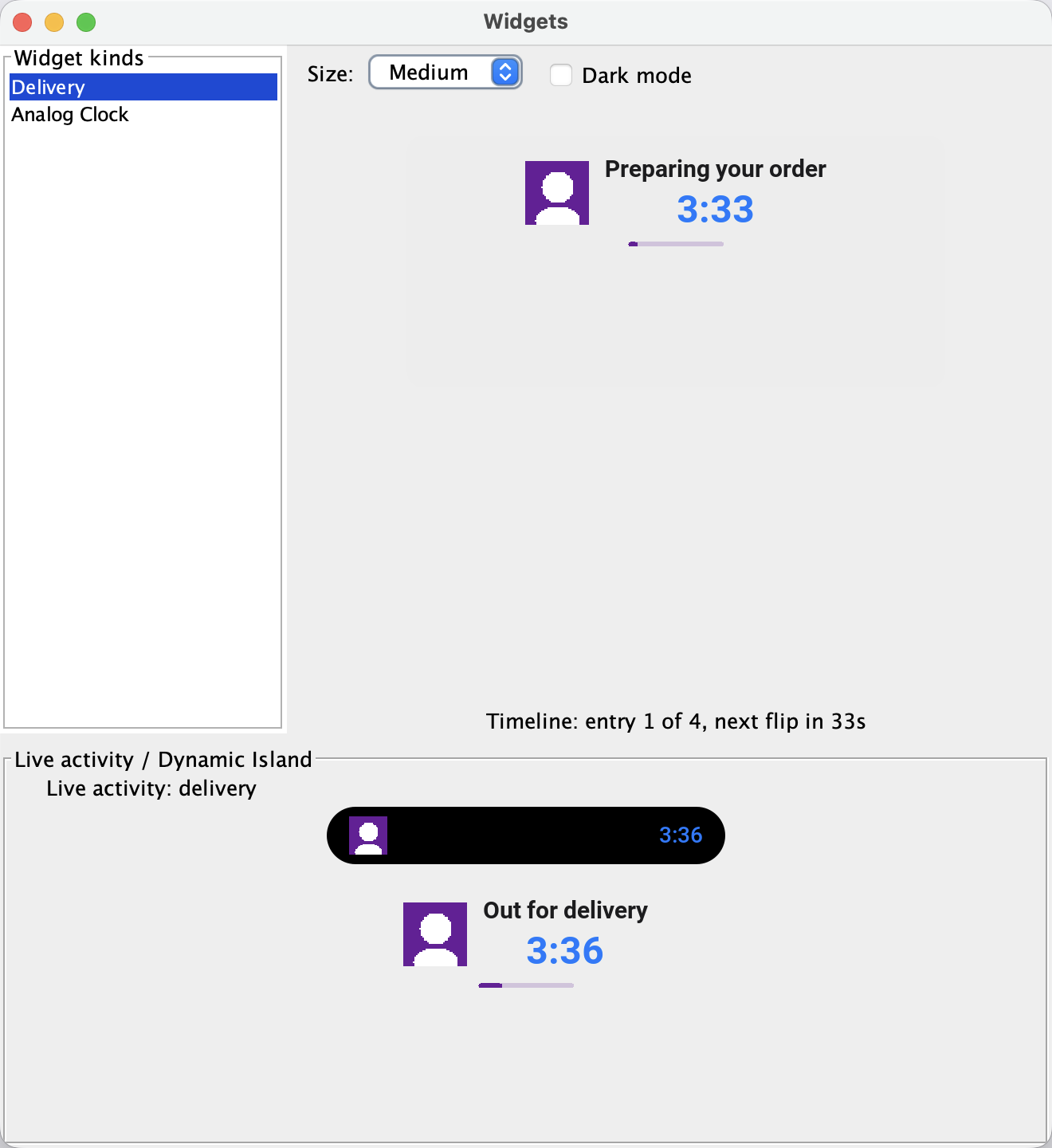
The simulator implements the same model. Open Widgets > Widgets Preview to inspect every registered kind, move through its timeline, change size and appearance, and click actions without creating a device build.
Widget kinds exist at build time
iOS and Android compile widget galleries into the native application. The kinds must therefore be known during the build. Add a surfaces.json resource:
{
  "liveActivities": true,
  "kinds": [
    {
      "id": "delivery_status",
      "name": "Delivery",
      "description": "Track your order",
      "iosFamilies": ["systemSmall", "systemMedium"]
    }
  ]
}
Mirror that declaration in init() so the simulator and runtime know the same kind:
Surfaces.registerWidgetKind(new WidgetKind("delivery_status")
        .setDisplayName("Delivery")
        .setDescription("Track your order")
        .addSupportedSize(WidgetSize.SMALL)
        .addSupportedSize(WidgetSize.MEDIUM));
Referencing the surfaces package is the build gate. Apps that never use it get no WidgetKit extension, Android receiver, app group, or surface resources.
A timeline carries future state
A widget publishes one layout and dated entries. Placeholders such as ${status} resolve from each entry’s state map. The operating system advances to the next entry without waking the app.
private static Map<String, Object> state(
        String status, long eta, float progress) {
    Map<String, Object> values = new HashMap<String, Object>();
    values.put("status", status);
    values.put("eta", Long.valueOf(eta));
    values.put("progress", Float.valueOf(progress));
    return values;
}

long now = System.currentTimeMillis();
long eta = now + 4 * 60000L;

WidgetTimeline timeline = new WidgetTimeline()
        .setContent(buildDeliveryLayout())
        .addEntry(new Date(now), state("Preparing", eta, 0.1f))
        .addEntry(new Date(now + 60000L), state("Out for delivery", eta, 0.4f))
        .addEntry(new Date(eta), state("Delivered", eta, 1f))
        .setReloadPolicy(WidgetTimeline.RELOAD_AT_END);

Surfaces.publish("delivery_status", timeline);
SurfaceDynamicText is the useful trick here. Give it an ETA and STYLE_TIMER_DOWN. WidgetKit renders a timed Text. Android uses a Chronometer. The countdown changes every second with no Java wake-up.
return new SurfaceColumn().setPadding(12).setSpacing(6)
        .add(new SurfaceText("${status}")
                .setFontSize(15)
                .setFontWeight(SurfaceFontWeight.SEMIBOLD))
        .add(new SurfaceDynamicText(
                SurfaceDynamicText.STYLE_TIMER_DOWN, "eta")
                .setFontSize(24)
                .setColor(SurfaceColor.ACCENT))
        .add(new SurfaceProgress(SurfaceProgress.STYLE_LINEAR)
                .setValueState("progress"))
        .setAction("open_order", params);
For longer-lived data, background fetch loads fresh state and republishes the timeline. On Android, an exhausted widget can request that fetch, throttled to once per 15 minutes per kind. iOS does not let a WidgetKit extension wake the host app whenever it wants, so iOS timelines should span the expected gap between background fetch opportunities.
Dynamic Island is another layout region
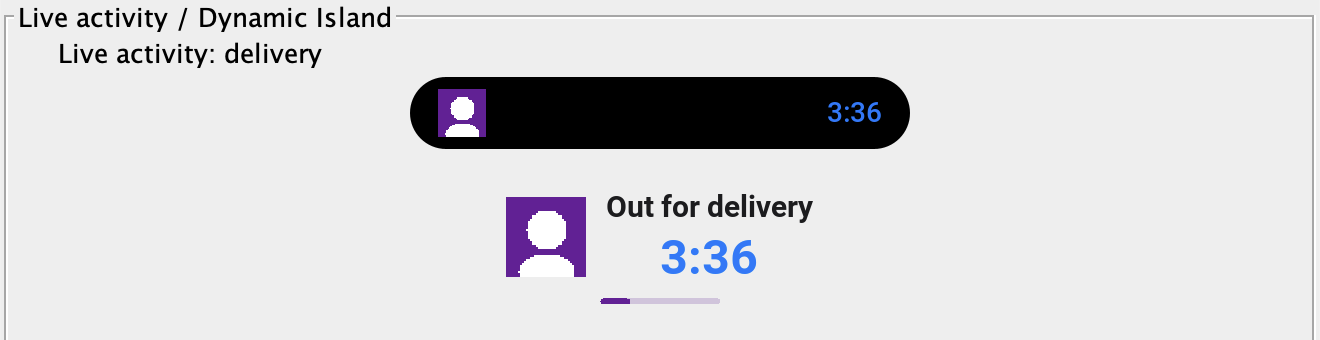
A Live Activity uses the same nodes and state maps. Its descriptor adds the regions ActivityKit needs: compact leading and trailing content, minimal content, and the expanded leading, trailing, center, and bottom areas.
LiveActivityDescriptor descriptor = new LiveActivityDescriptor("delivery")
        .setContent(buildDeliveryLayout())
        .setCompactLeading(new SurfaceImage(courierAvatar)
                .setSize(24, 24).setCornerRadius(12))
        .setCompactTrailing(new SurfaceDynamicText(
                SurfaceDynamicText.STYLE_TIMER_DOWN, "eta"))
        .setExpandedCenter(new SurfaceText("${status}"))
        .setExpandedBottom(new SurfaceProgress(
                SurfaceProgress.STYLE_LINEAR).setValueState("progress"));

LiveActivity activity = LiveActivity.start(descriptor, initialState);
activity.update(arrivingState);
activity.end(deliveredState);
On iOS, that becomes a lock-screen Live Activity and Dynamic Island presentation. On Android, it becomes an ongoing notification. On desktop, it becomes a floating pill window.
Widgets on Linux are not a typo
The same publish call reaches desktop targets. A JavaSE or native desktop build can expose kinds from a tray menu and pin them as frameless, always-on-top windows. Windows can also generate a Windows 11 Widgets Board provider when windows.msix=true.
Linux uses GTK floating windows. Compositors with the layer-shell protocol can place them like desktop applets. GNOME Wayland does not expose that positioning contract, so it falls back to a normal floating window. Desktop widgets are process-bound in this release. They exist while the application process runs, unlike iOS and Android system widgets.
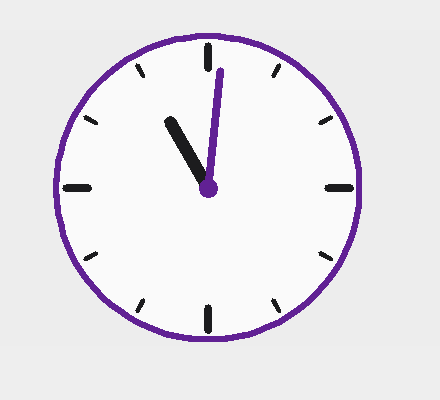
The analog clock below uses SurfaceVector, a retained set of fill, stroke, line, arc, text, and rotation operations. Sixty timeline entries update the hand angles once per minute.
The common model has a floor
The surface node catalog is deliberately smaller than the Codename One component set. Android RemoteViews is the constrained renderer, so it defines several compromises:
| Feature | iOS | Android |
|---|---|---|
| Layout rows and columns | SwiftUI stacks | LinearLayout |
| Countdown | Native timed Text | Chronometer |
| Circular progress | Gauge | Linear fallback |
| Relative date | Native update | Static until refresh |
| Vector drawing | SwiftUI Canvas | Rasterized bitmap |
| Small widget actions | Root action only | Per-node actions |
Descriptors stop at eight nesting levels. JSON and image payloads should stay comfortably below 200KB. Android eventually has to send a rendered widget through a 1MB binder transaction, while the iOS extension runs with a small memory budget.
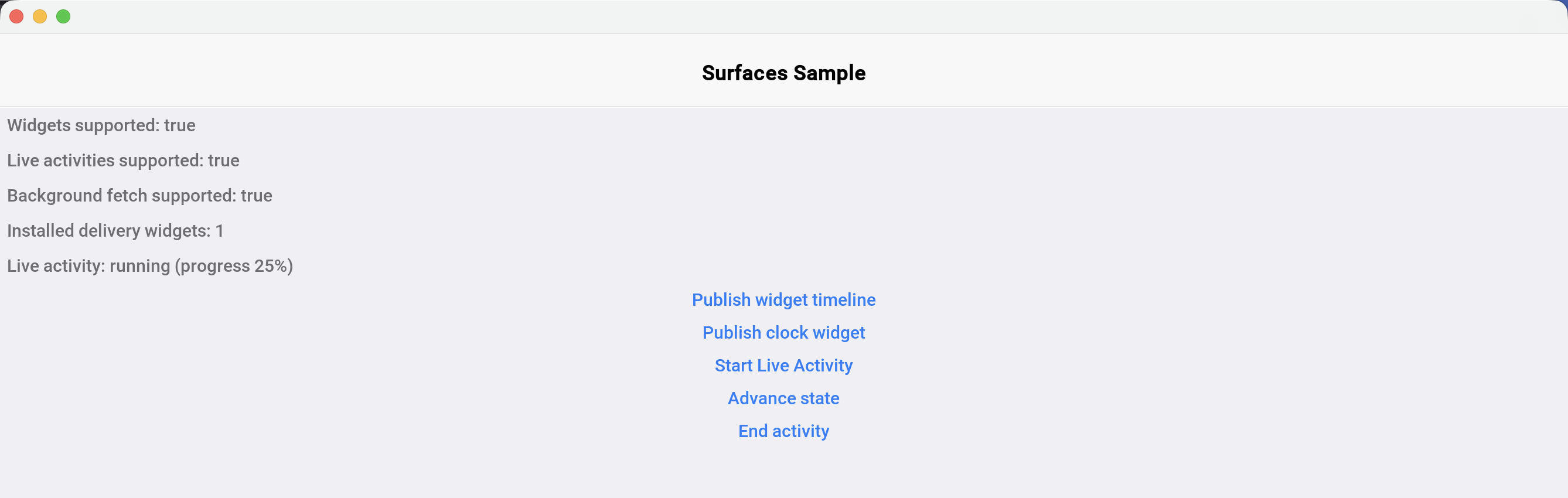
The PR verified serialization, timeline ordering, image deduplication, live-activity lifecycle, cold-start action queues, and generated Swift compilation. The simulator sample ran end to end. The PR did not claim on-device verification for every platform path, and the Windows MSIX plus native Linux window paths could not be executed on the author’s Mac. Those are real gaps to keep in mind for the first release.
Push-driven widget updates are not in this version. The app publishes timelines, background fetch republishes them, and live activities accept app-driven updates. Server-pushed state and ActivityKit push tokens are planned on top of the same wire format.
Tomorrow’s post covers the parallel tree that makes lightweight Codename One components visible to VoiceOver, TalkBack, UI Automation, AT-SPI, ARIA, and, unexpectedly, AI agents.
Discussion
Join the conversation via GitHub Discussions.